

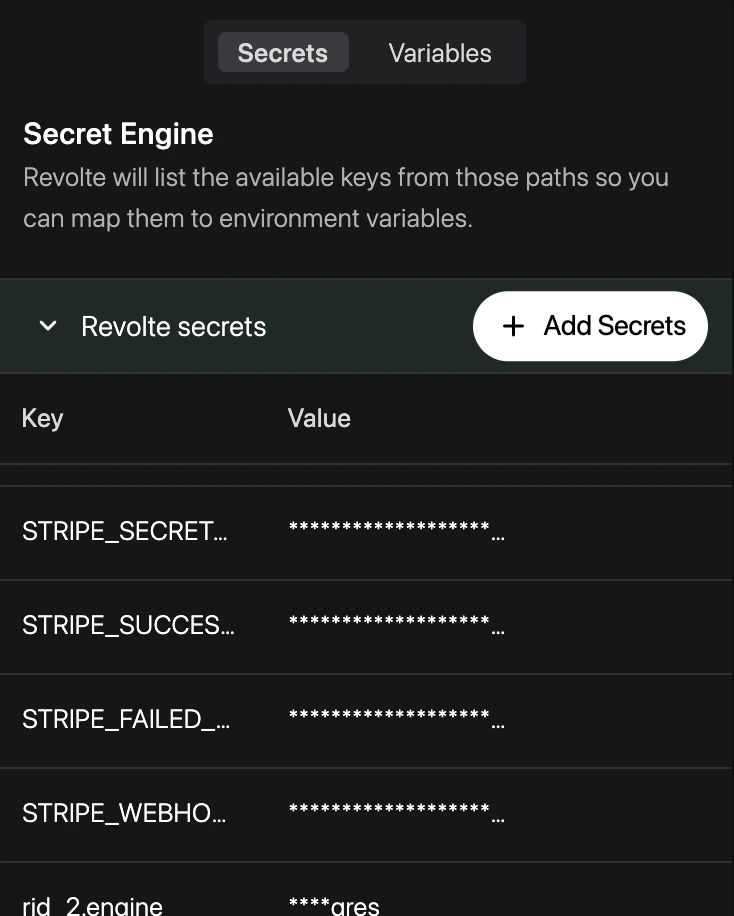
Dashboard configuration
Manage your encrypted secrets directly through the Revolte dashboard:1
Navigate to Application
Select the application you wish to configure from your workspace.
2
Access YAML Configuration
Click on the YAML Configuration tab in the top navigation bar.
3
Select Secrets
Choose Secrets from the left sidebar to view and manage your encrypted environment
variables.
4
Manage Key-Value Pairs
Add new secrets by providing a key and value, or update existing references across your
environments.