

Dashboard connection guide
1
Navigate to Application
Select your application, navigate to the Overview tab, and click the Connect button in
the top-right corner.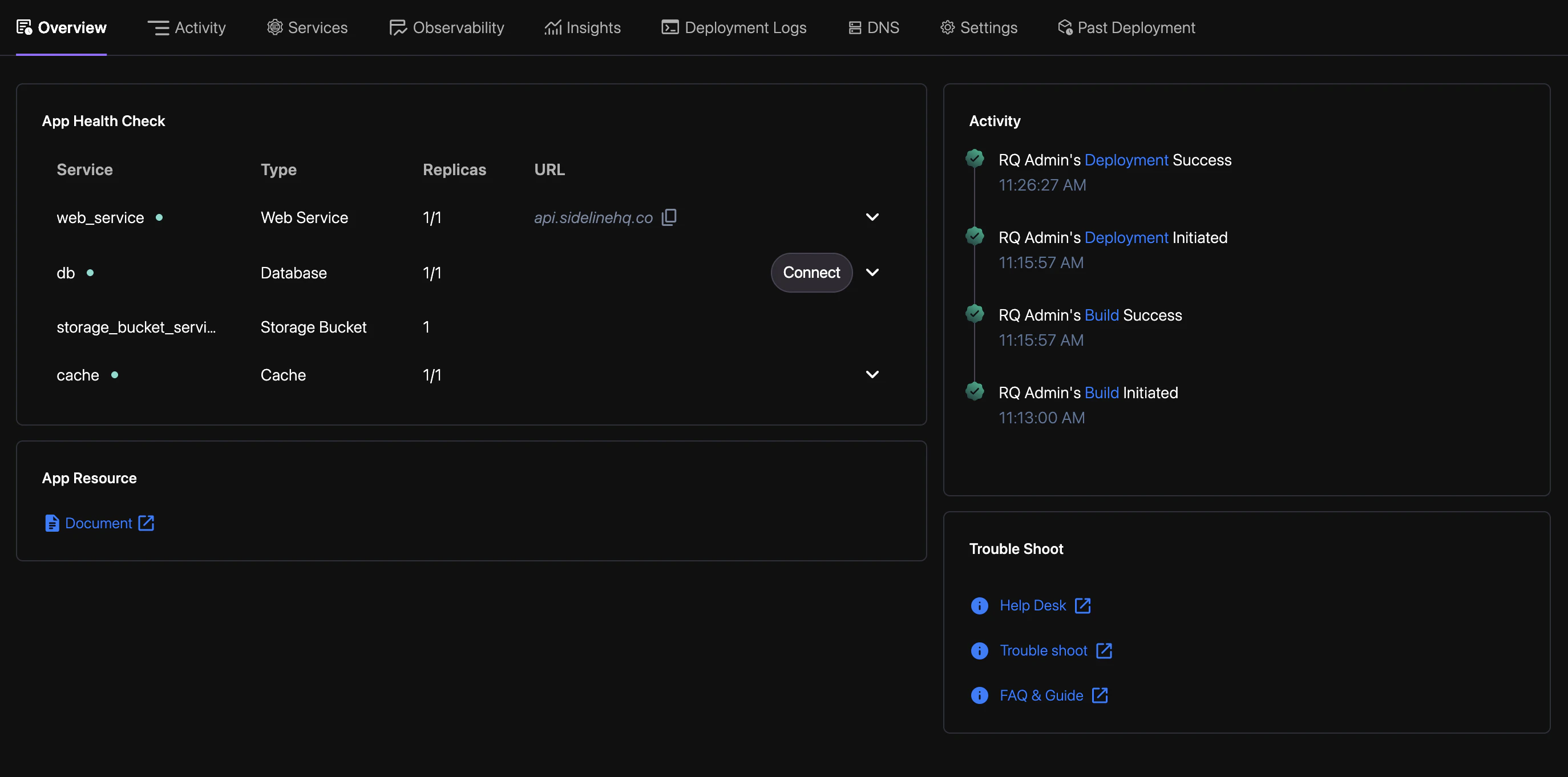
2
Fetch Data
Write your query and click Run to fetch live data.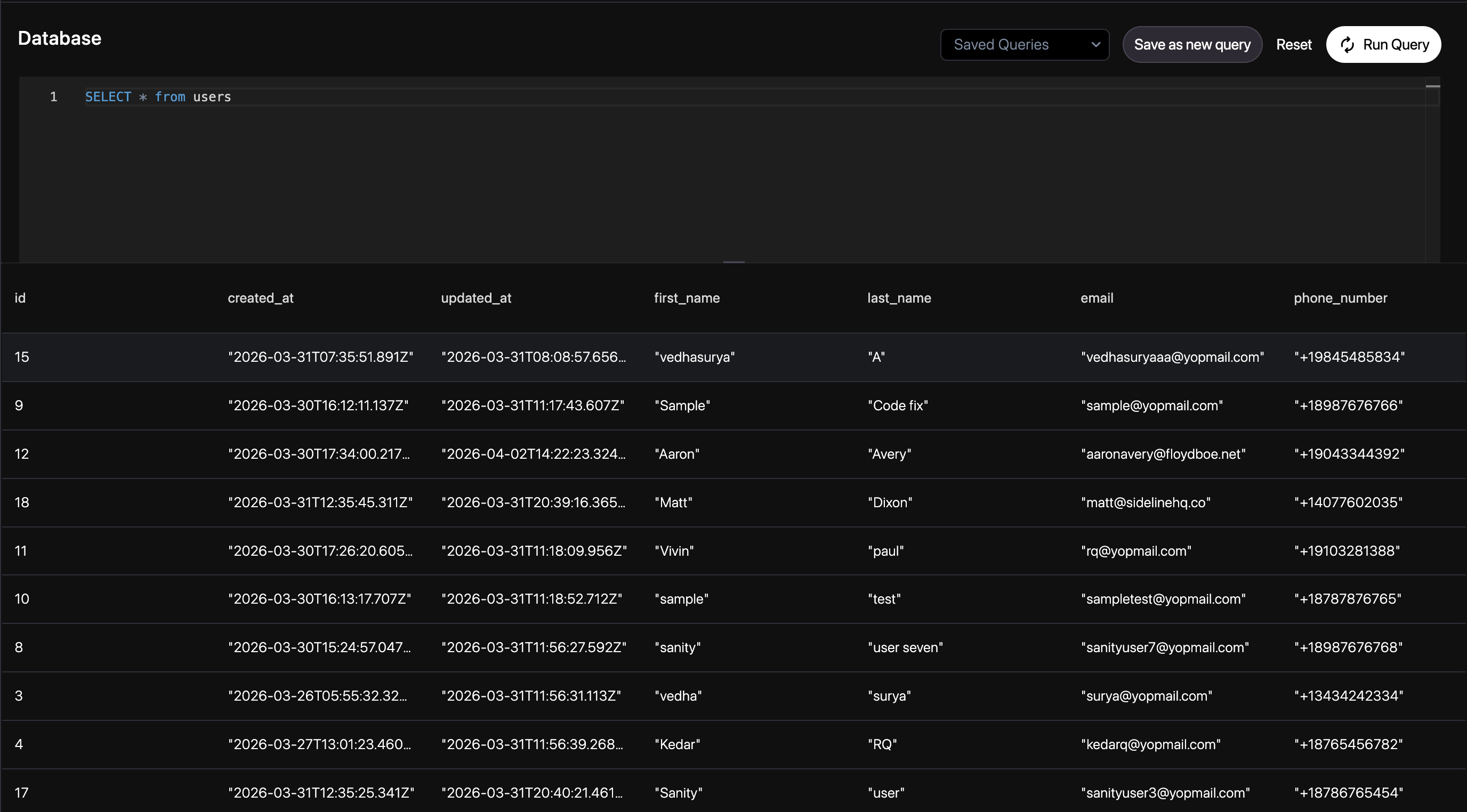
3
Save Queries
Save your queries for future use.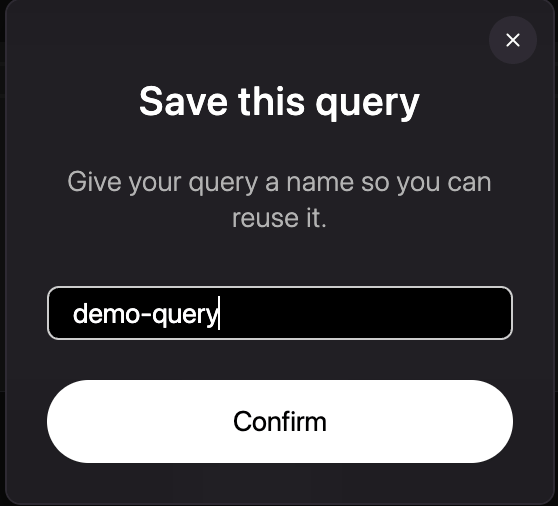
4
Manage Saved Queries
Review and manage your previously saved queries.