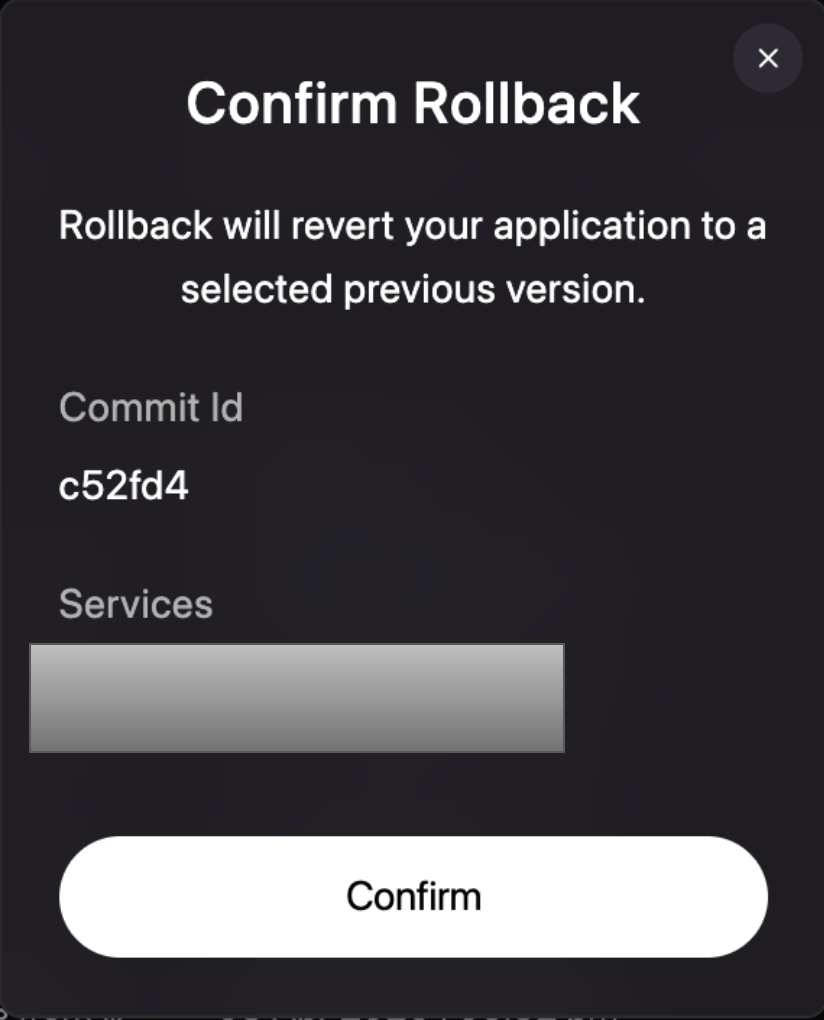
One-click revert
The fastest way to recover is to select a previous deployment from your history and promote it back to production.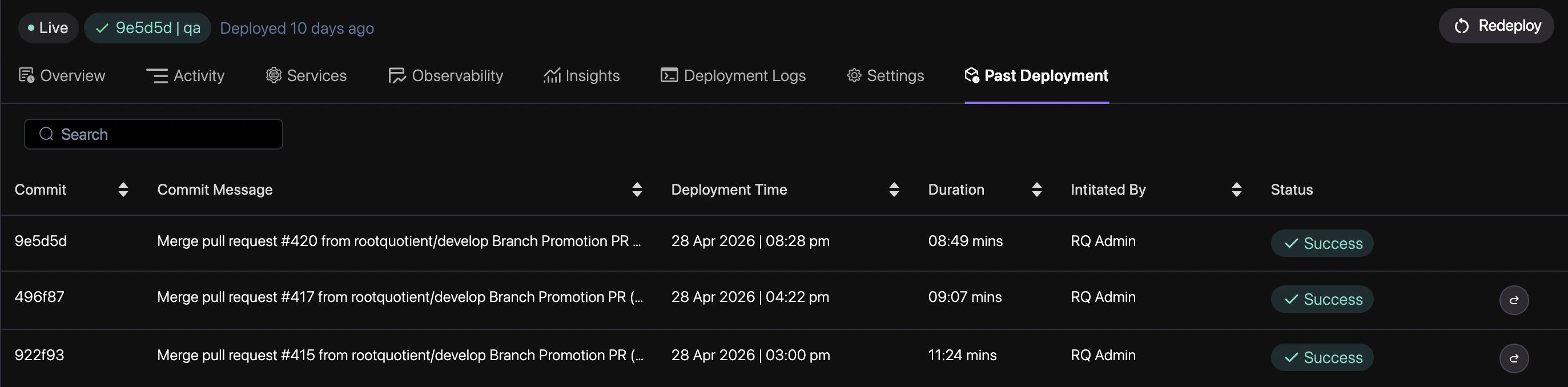
1
Navigate to History
Go to the Deployments tab in your project dashboard to see the timeline of all releases.
2
Select a Target
Identify a “Healthy” deployment from the list that you wish to restore.
3
Revert
Click the Revert to this version button on the target deployment.
4
Confirm Recovery
Review the target version in the confirmation modal and click Confirm.