

revolte.yaml file.
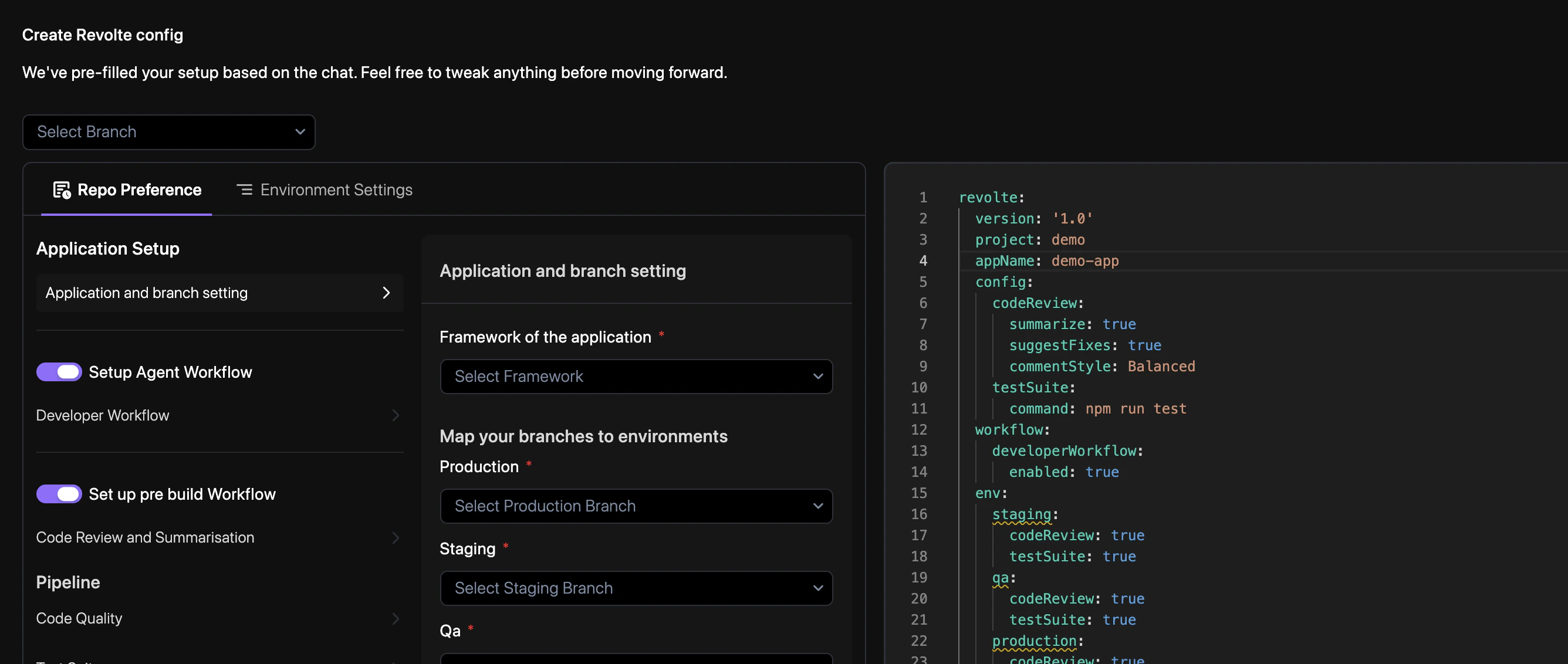
The Revolte UI and revolte.yaml remain synchronized to support both visual configuration and Git-native workflows.
Reference example
revolte.yaml
How it works
1
Initialize Configuration
Place the
revolte.yaml file in your repository root. Revolte automatically detects this file
upon repository connection.Commit to Sync: Any subsequent changes to your
revolte.yaml file must be committed and pushed to your repository for the Revolte engine to recognize and apply the latest configuration.2
Define Services
Specify your service types (Web Service, Database, Cron Job) and their respective resource
requirements.
3
Map Environments
Assign Git branches to target environments. Pushing code to these branches triggers the
corresponding deployment workflow.
4
Automated Execution
The Revolte AI engine parses your YAML to provision infrastructure, configure load balancers,
and set up observability dashboards.