

How to configure
Follow these steps to define your application identity and branch strategy.1
Access Repo Preferences
Navigate to YAML Configuration > Repo Preferences from your project dashboard.
2
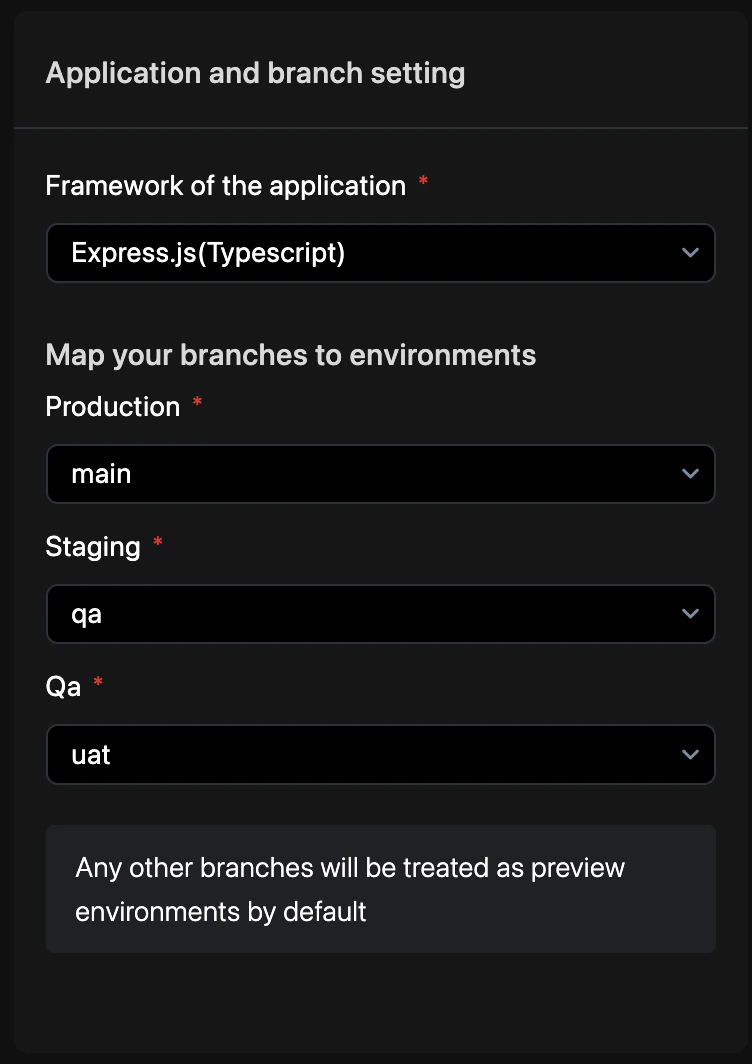
Map Branches
Assign specific Git branches to your Production, UAT, and QA environments.
3
Commit Changes
Enter a commit message and select your target branch to persist the changes. See Syncing Changes for a detailed walkthrough.
Branch mapping
Map your Git branches to Revolte environments to enable automated deployments.revolte.yaml
How to Customize Preview Expiry:By default, Preview environments automatically destroy themselves after 3 days. To adjust this lifespan:
- Open your project dashboard and select Settings from the left navigation bar.
- Navigate to General Settings > Preview environment expiry.
- Enter your preferred duration, select the unit (Day or Hour), and click Update.
Service integration
Branch mapping triggers automated deployments for all services in the environment.revolte.yaml