

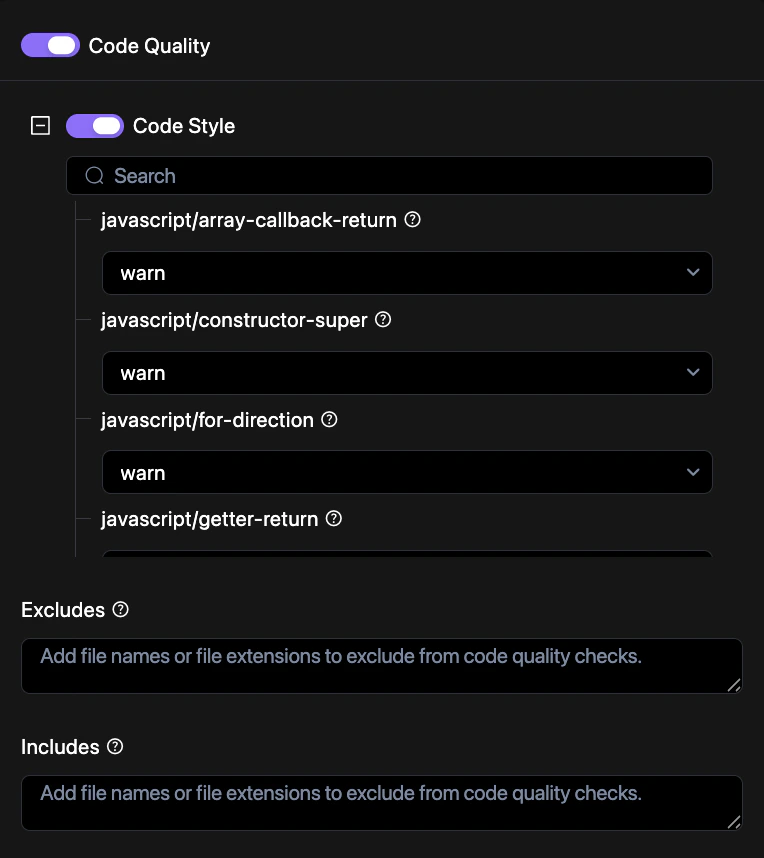
How to configure
Customize your code quality standards through the Revolte dashboard.1
Access Repo Preferences
Navigate to YAML Configuration > Repo Preferences and locate the Pipelines section.
2
Open Code Quality Settings
Click on the Code Quality component to view detailed configuration options.
3
Define Rules
Use the YAML editor to specify linting rules and severity levels (error, warn, off).
4
Commit Changes
Save your configuration to the repository. See Syncing Changes for a detailed walkthrough.
Configuration example
Enable and customize code quality checks in yourrevolte.yaml:
revolte.yaml
Supported features
- Static Analysis: Detects anti-patterns and potential runtime errors.
- Linting: Enforces consistent formatting and style rules.
- Complexity Metrics: Identifies overly complex functions that may need refactoring.