

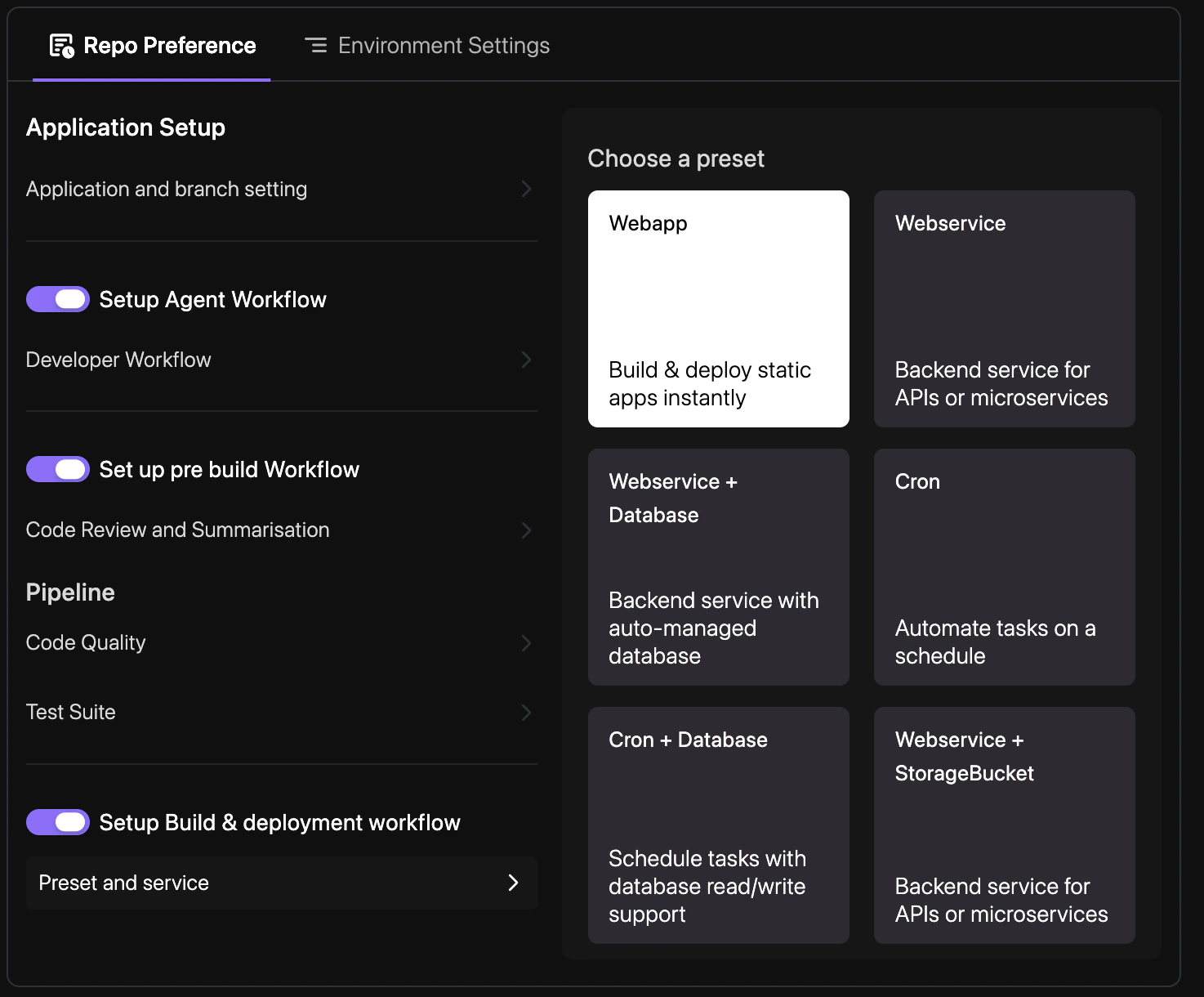
How to enable
Define your build presets and rollout strategies to automate your release cycle.1
Select Build Preset
Navigate to YAML Configuration > Repo Preferences and choose a build preset (e.g., Node.js, Reactjs, Nextjs) that matches your application framework.
2
Configure Service Mapping
Define which environments and branches should trigger automated deployments for your services.
3
Commit Changes
Enter a commit message and select your target branch to persist the changes. See Syncing Changes for a detailed walkthrough.
Configuration example
revolte.yaml