

How to configure
Manage your testing automation through the project dashboard.1
Access Repo Preferences
Navigate to YAML Configuration > Repo Preferences and locate the Pipelines section.
2
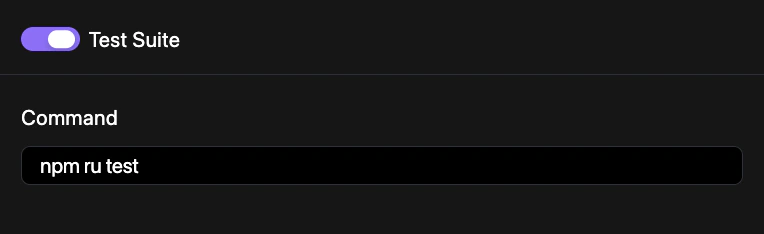
Open Test Suite Settings
Click on the Test Suite component to configure execution triggers.
3
Set Execution Policy
Toggle automated runs for specific branches or promotion events.
4
Commit Changes
Save your configuration to the repository. See Syncing Changes for a detailed walkthrough.
Configuration example
Enable the test suite in yourrevolte.yaml:
revolte.yaml