

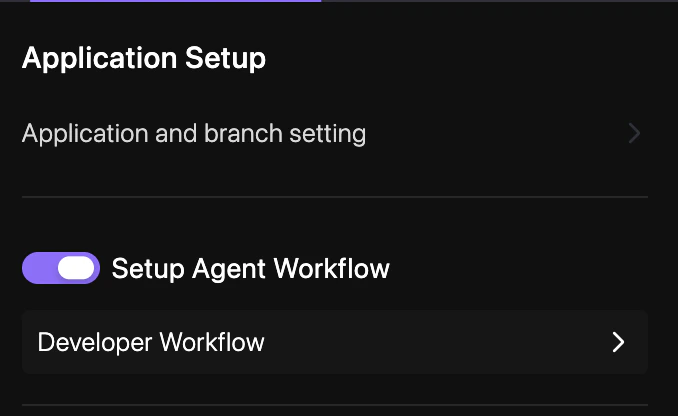
How to enable
Follow these steps to activate the AI Agent for your repository.1
Navigate to Repo Preferences
Open your project dashboard and select YAML Configuration > Repo Preferences.
2
Toggle Developer Workflow
Locate the Developer Workflow section and toggle the switch to Enabled.
3
Commit Changes
Enter a commit message and select your target branch to persist the changes. See Syncing Changes for a detailed walkthrough.
Configuration
In yourrevolte.yaml, you can toggle this workflow globally:
revolte.yaml