

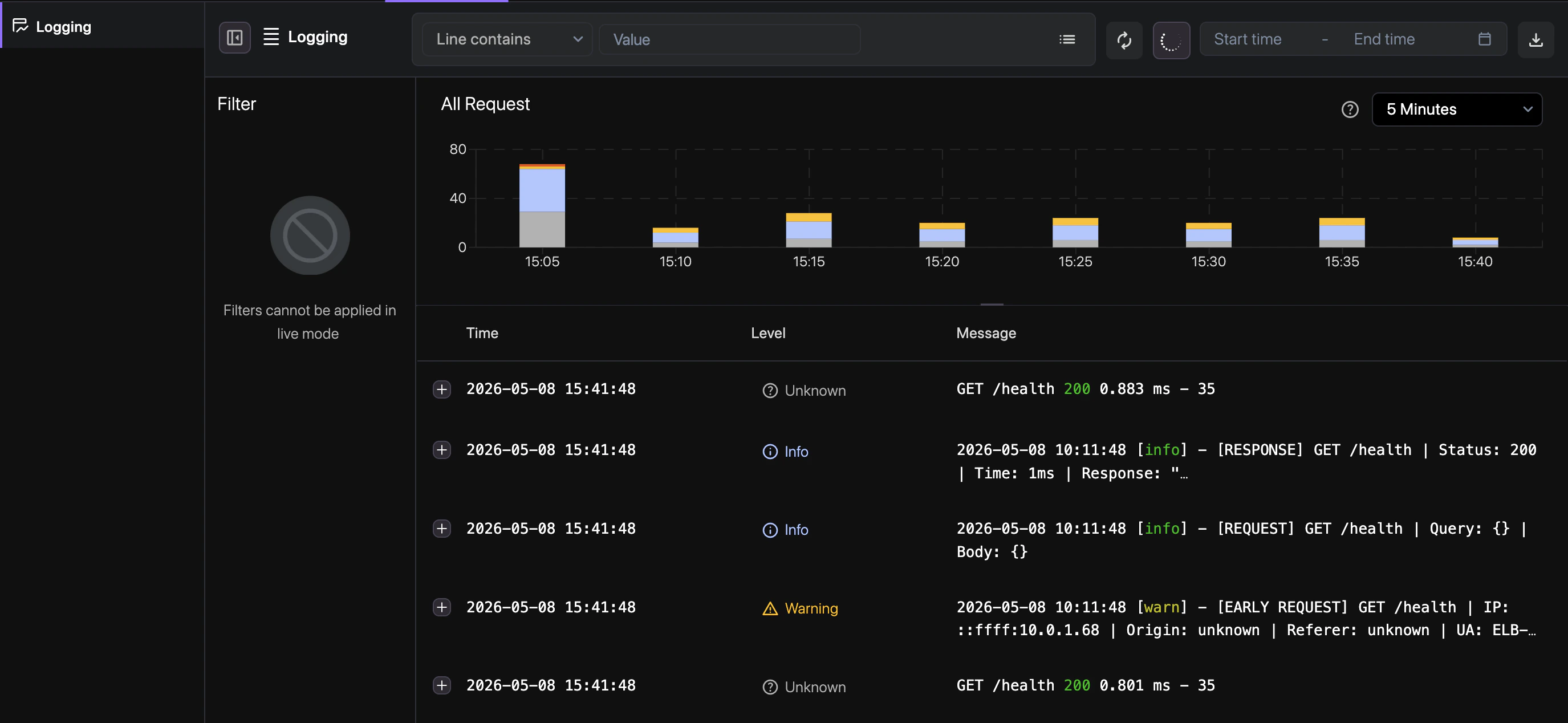
How to use
Follow these steps to explore and analyze your service logs in the Revolte dashboard.1
Write & Run Queries
Use our intuitive query builder to filter by environment, service, log level, or custom text
patterns.
2
Fetch Live Data
Toggle Live Stream to watch logs as they are emitted from your running instances.
3
Download & Export
Download filtered log sets as CSV or JSON for external auditing or post-mortem analysis.