

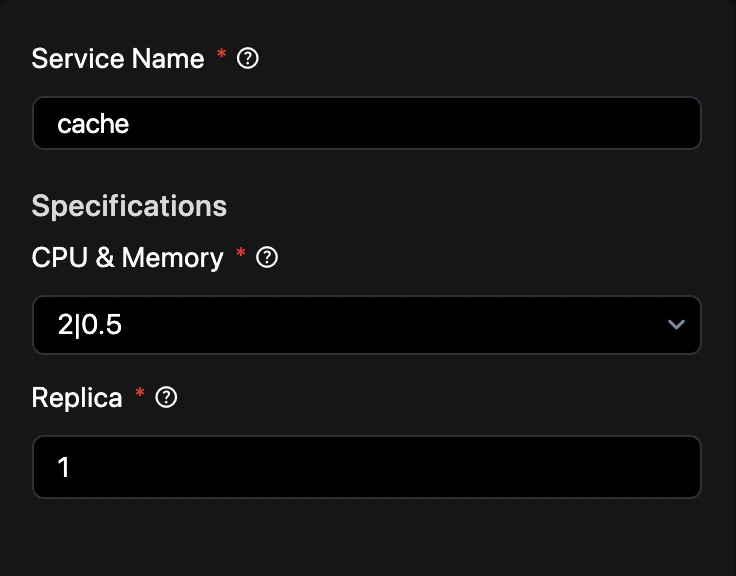
Dashboard configuration
You can configure your cache services directly through the Revolte dashboard:1
Navigate to Application
Select the application you wish to configure from your workspace.
2
Access YAML Configuration
Click on the YAML Configuration tab in the top navigation bar.
3
Environment Settings
Select Environment Settings from the left sidebar.
4
Build & Deployment Workflow
Locate and select the Build & Deployment Workflow section.
5
Manage Cache
Click on Cache to provision a new instance or modify existing settings.
Example configuration
Define your cache service inrevolte.yaml to control versions, persistence, and clustering.