

Dashboard guide
1
Select Storage Service
Navigate to your application, go to the Services tab, and select the Storage Bucket
service you wish to explore.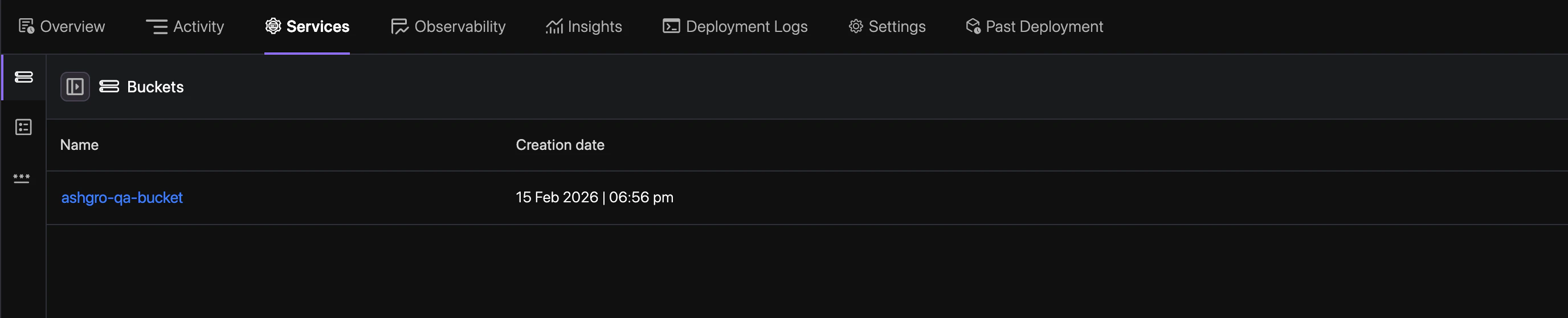
2
Access List Items
Click the List Items tab in the service dashboard to view your files.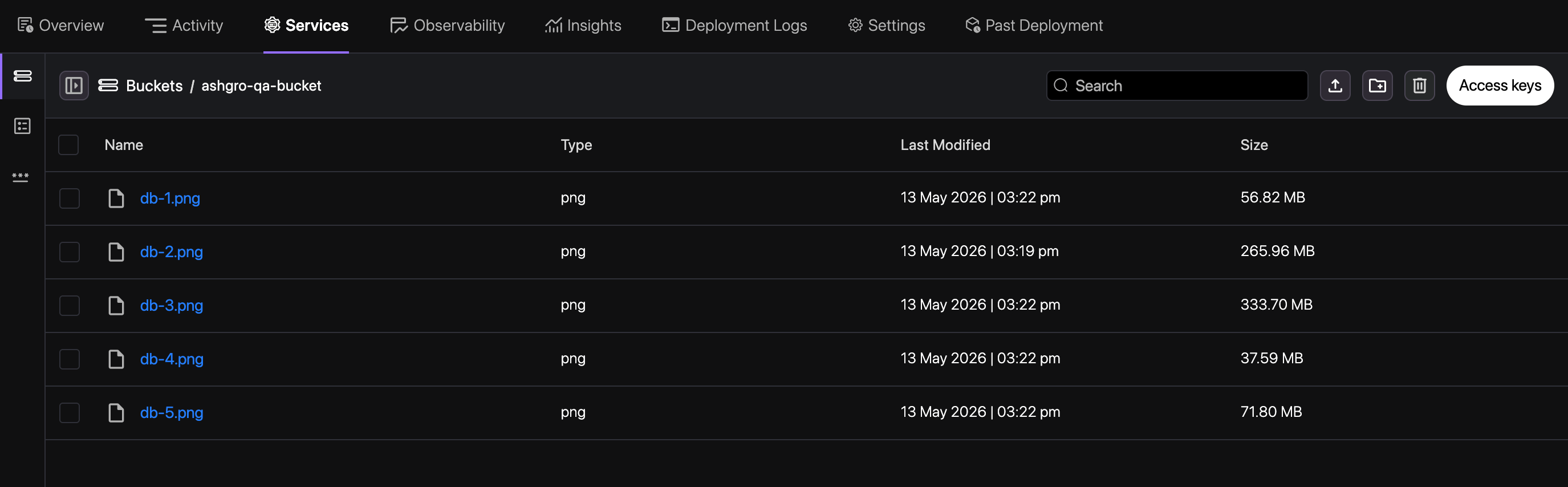
3
Manage Objects
Upload files directly into the bucket and manage your existing objects.
4
Create Folder
Organize your assets by creating folders to maintain a structured directory.