Dashboard guide
1
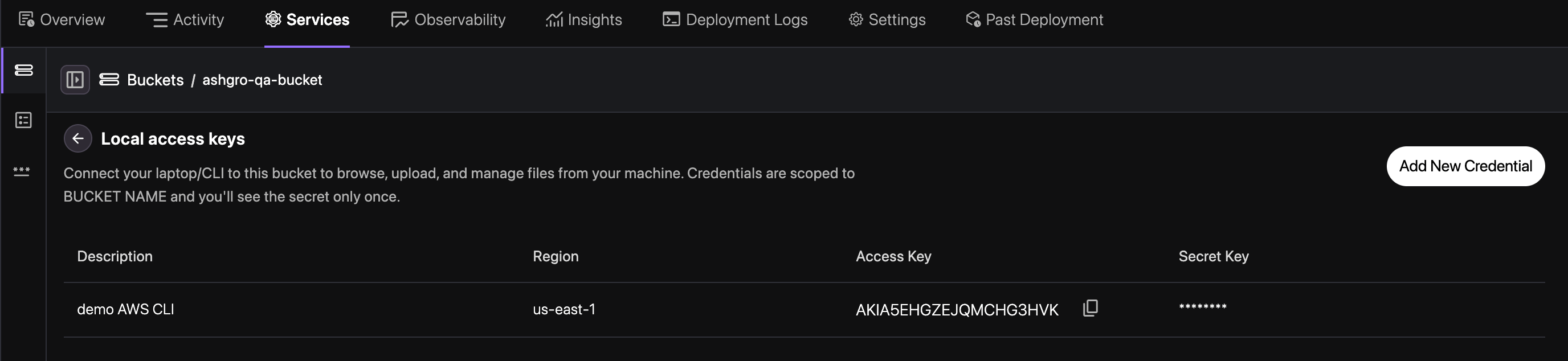
Navigate to Service
Navigate to your application, go to the Services tab, and select your Storage Bucket
service.
2
Generate Credentials
Switch to the Credentials tab and click Generate New Key to create your access
credentials.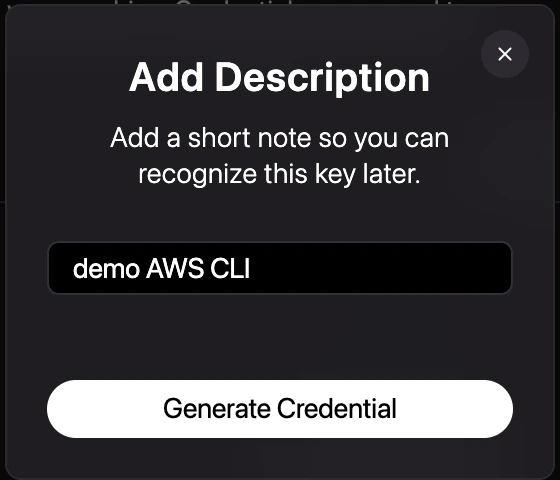
3
Manage Access Keys
Review, rotate, or revoke your active access keys from the credentials management list.