

- From Chat
- From All Projects
1
Open Chat
Select Chat from the left navigation.
2
Select your application
Open the application selector below the prompt composer, then choose the application you want to work with from Application list.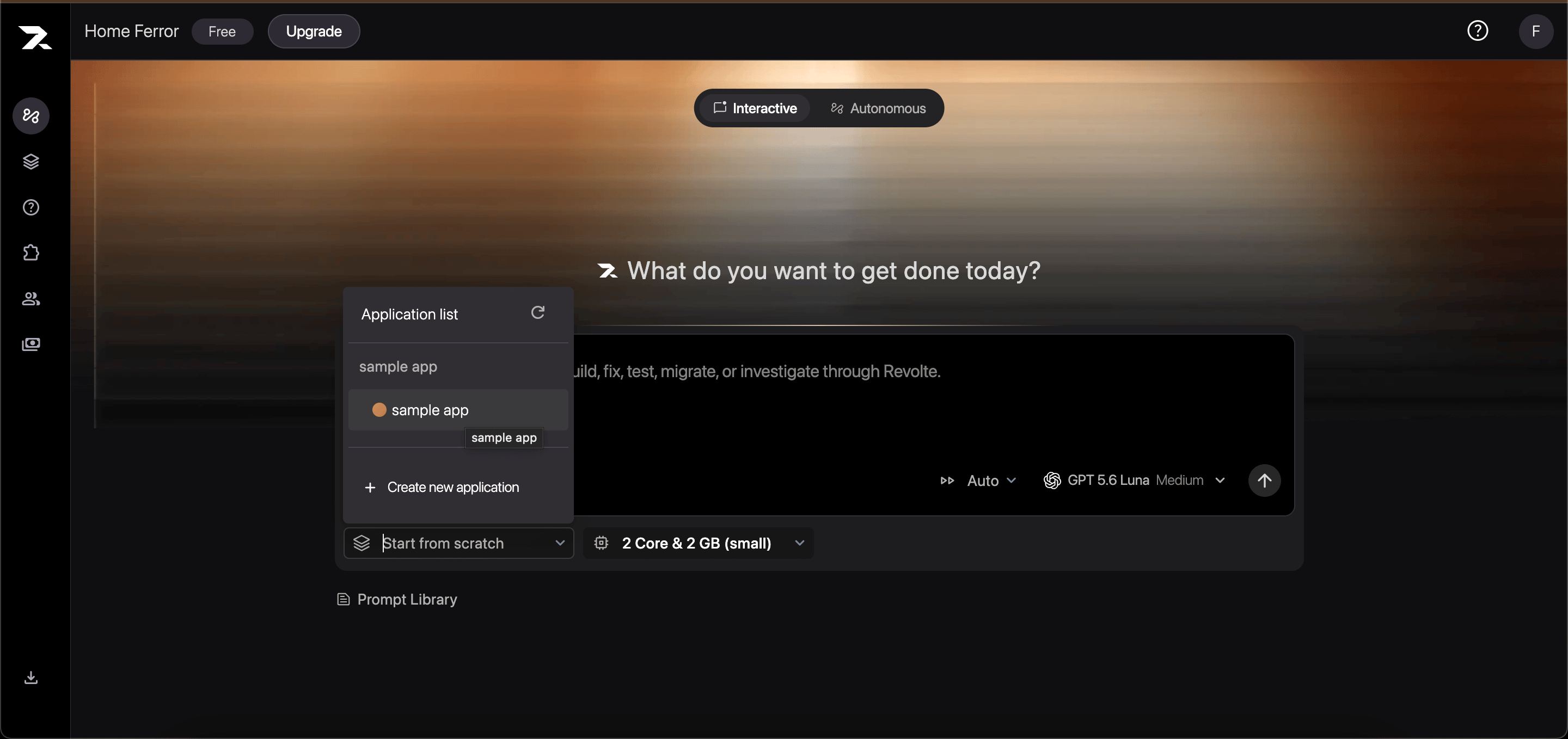
3
Continue working
Select a branch, describe the next change, and submit your prompt. Revolte starts the work with the selected application’s repository context.
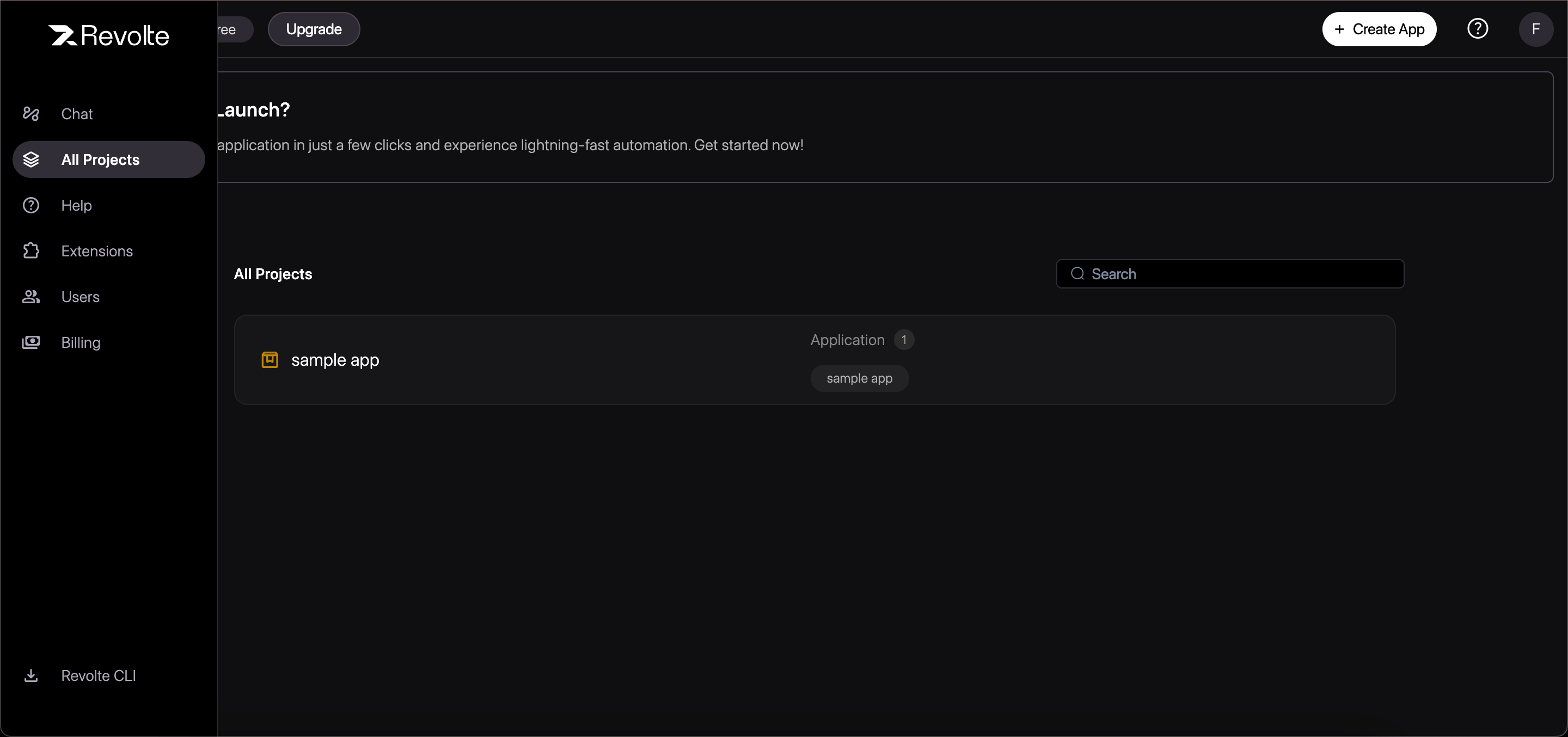
Selecting an application starts work with its repository context. To reopen the same earlier conversation, open the task from your task history.
Continue an earlier task
You can resume or iterate on a previously executed Revolte task using:- Follow-up Instructions: Provide additional instructions to refine an existing diff.
- Branch Resume: Select an existing Revolte branch to append new commits.
- Task History: Access complete step-by-step logs and transcripts from past sessions.