

1
Open the Repository Connection
During application setup, select the repository connection action. You can also connect a repository when a new chat needs codebase access.
2
Choose GitHub
Select GitHub, then select Proceed.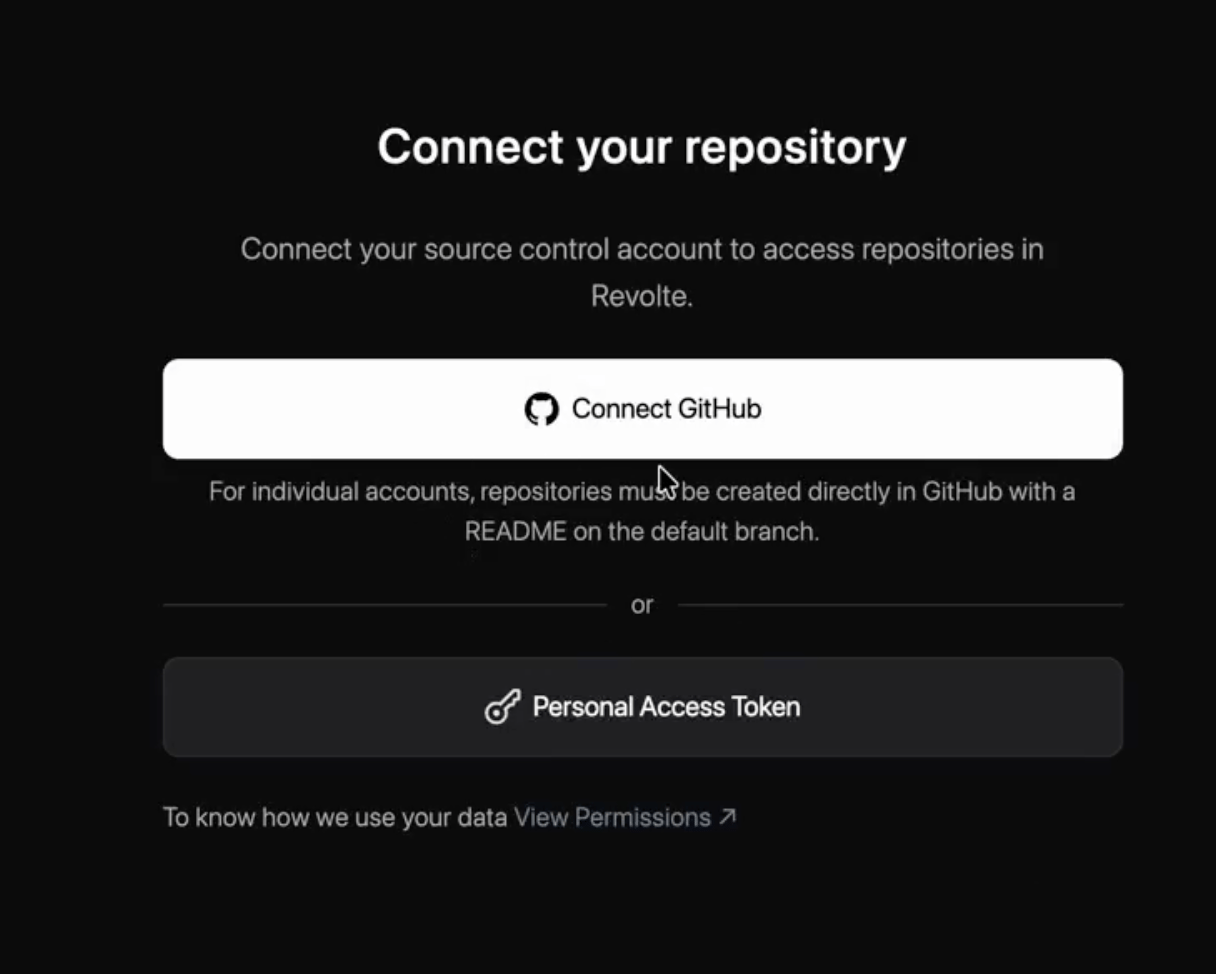
3
Authorize Repository Access
Complete the GitHub authorization flow and grant access only to the repositories Revolte should use.
4
Select the Repository
Associate the repository with your Revolte application. When you start a task, Revolte can read the connected codebase, follow its existing patterns, and prepare changes against the selected branch.