

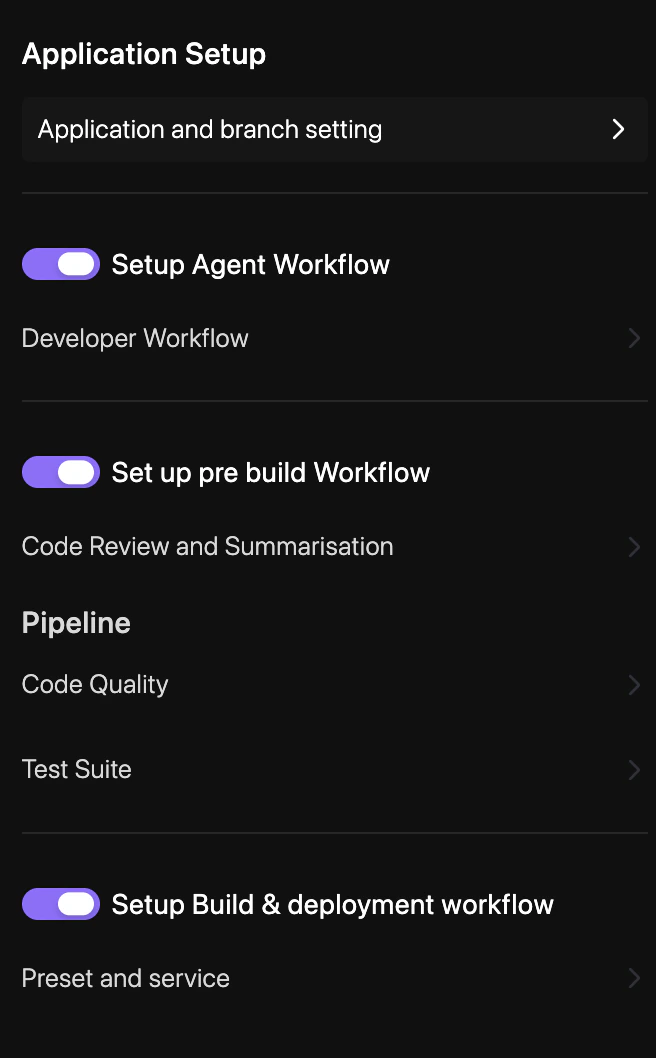
How to configure
1
Navigate to Pipeline Settings
Go to YAML Configuration > Repo Preferences and select Pipeline.
2
Enable Quality Checks
Select the static analysis tools and security scanners you want to run on your branches.
3
Configure Test Execution
Define the commands (e.g.,
npm test, pytest) and environments required to run your test suites.4
Save & Sync
Click Save & Sync to update your
revolte.yaml with the new pipeline configuration.