> ## Documentation Index
> Fetch the complete documentation index at: https://docs.revolte.ai/llms.txt
> Use this file to discover all available pages before exploring further.
# Overview
> Define automated quality checks and validation suites for your repository.
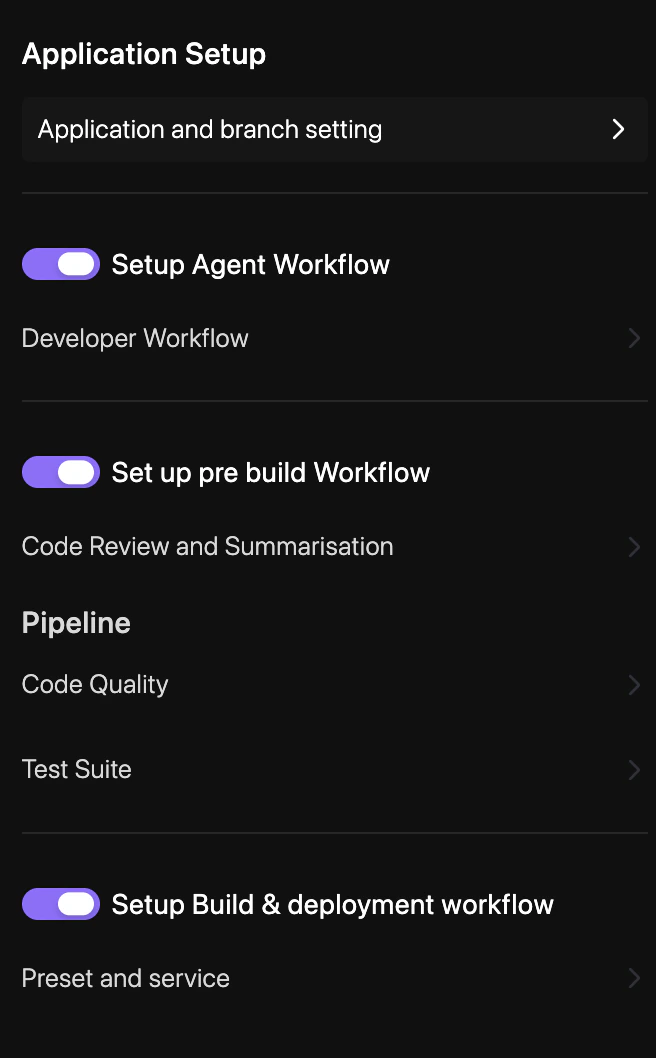
The **Pipeline** settings allow you to automate the verification of your codebase through integrated code quality analysis and comprehensive test suites.
## How to configure
Go to **YAML Configuration** > **Repo Preferences** and select **Pipeline**.
Select the static analysis tools and security scanners you want to run on your branches.
Define the commands (e.g., `npm test`, `pytest`) and environments required to run your test suites.
Click **Save & Sync** to update your `revolte.yaml` with the new pipeline configuration.
## Quick links
* [Code Quality](/yaml/repo-preferences/pipeline/code-quality)
* [Test Suite](/yaml/repo-preferences/pipeline/test-suite)
* [Prebuild Workflow](/yaml/repo-preferences/prebuild-workflow)
* [Preset & Service](/yaml/repo-preferences/preset-service)
* [YAML Overview](/yaml/overview)