> ## Documentation Index
> Fetch the complete documentation index at: https://docs.revolte.ai/llms.txt
> Use this file to discover all available pages before exploring further.
# Configure Agent Workflows
> Enable AI-assisted coding, debugging, and task execution.
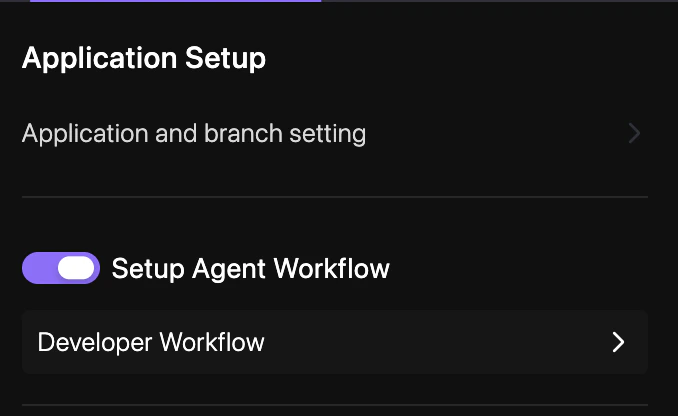
The **Agent Workflow** enables Revolte's AI agent to assist you directly within your repository context.
## How to enable
Follow these steps to activate the AI Agent for your repository.
Open your project dashboard and select **YAML Configuration** > **Repo Preferences**.
Locate the **Developer Workflow** section and toggle the switch to **Enabled**.
Enter a commit message and select your target branch to persist the changes. See [Syncing Changes](/yaml/syncing) for a detailed walkthrough.
## Configuration
In your `revolte.yaml`, you can toggle this workflow globally:
```yaml revolte.yaml theme={"dark"}
revolte:
version: "1.0"
project: Demo-Project
appName: "demo-app"
workflow:
developerWorkflow:
enabled: true # Activates AI-assisted coding and debugging
```
## Quick links
* [App & Branch Settings](/yaml/repo-preferences/app-branch-settings)
* [Prebuild Workflow](/yaml/repo-preferences/prebuild-workflow)
* [YAML Overview](/yaml/overview)