> ## Documentation Index
> Fetch the complete documentation index at: https://docs.revolte.ai/llms.txt
> Use this file to discover all available pages before exploring further.
# Configure Cache Services
> Provision Redis and Memcached with persistence, clustering, and service bindings.
## Dashboard configuration
You can configure your cache services directly through the Revolte dashboard:
Select the application you wish to configure from your workspace.
Click on the **YAML Configuration** tab in the top navigation bar.
Select **Environment Settings** from the left sidebar.
Locate and select the **Build & Deployment Workflow** section.
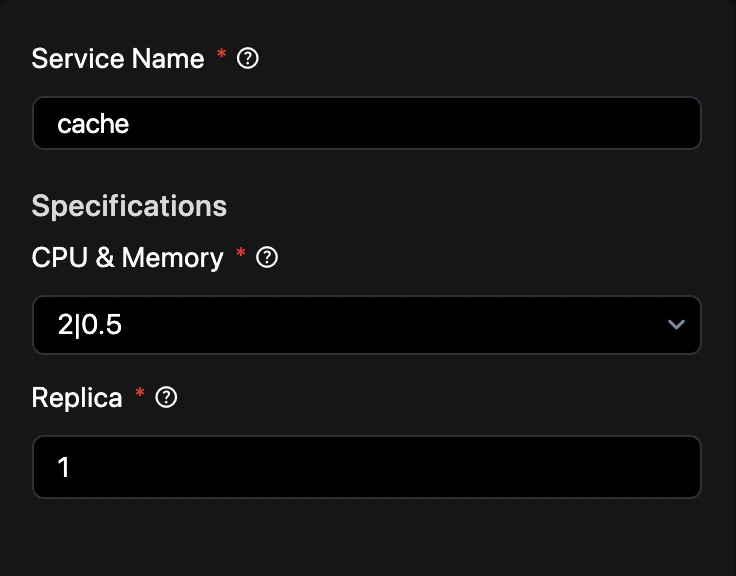
Click on **Cache** to provision a new instance or modify existing settings.
## Example configuration
Define your cache service in `revolte.yaml` to control versions, persistence, and clustering.
{`revolte:
version: '1.0'
project: Demo-Project
appName: demo-app
env:
production:
branch: main
services:
rid_4:
type: CACHE
name: cache
specifications:
cpu: 2
memory: 0.5`}
## Related
* [Databases](/deployments/services/databases/overview)
* [Web Services](/deployments/services/web-services)
* [Environment Settings](/yaml/environment-settings/services)
* [Secrets](/deployments/services/secrets)