> ## Documentation Index
> Fetch the complete documentation index at: https://docs.revolte.ai/llms.txt
> Use this file to discover all available pages before exploring further.
# Pipeline Execution Flow
> Monitor deployment execution and manage manual gates.
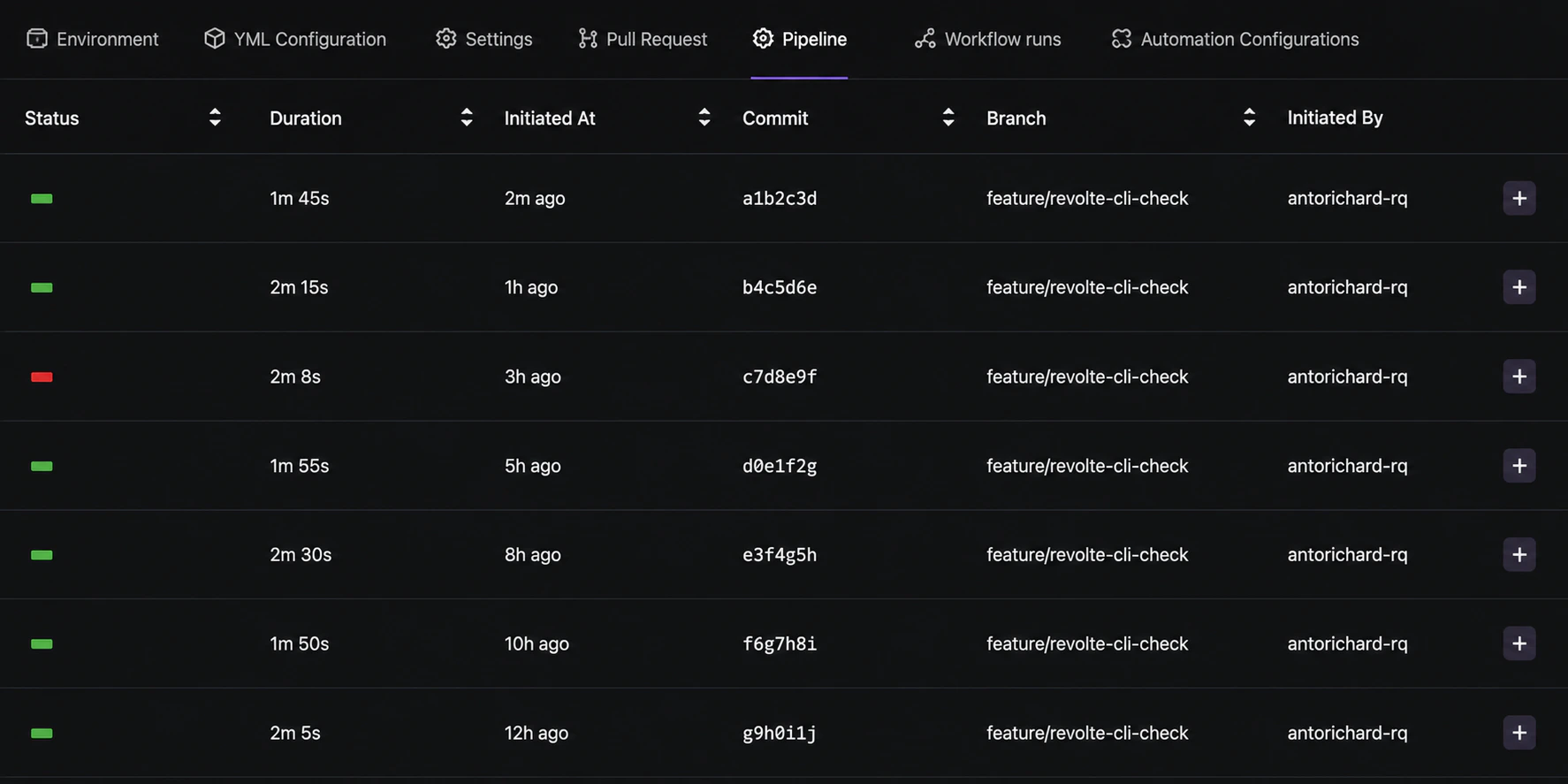
The **Pipeline** view in the Deployments tab provides real-time visibility into your software delivery process. It allows you to track the progress of every stage, from build to production promotion.
## Execution monitoring
While pipelines are defined in [Repo Preferences](/yaml/repo-preferences/pipelines/overview), the Deployments tab is where you monitor their real-time execution and results.
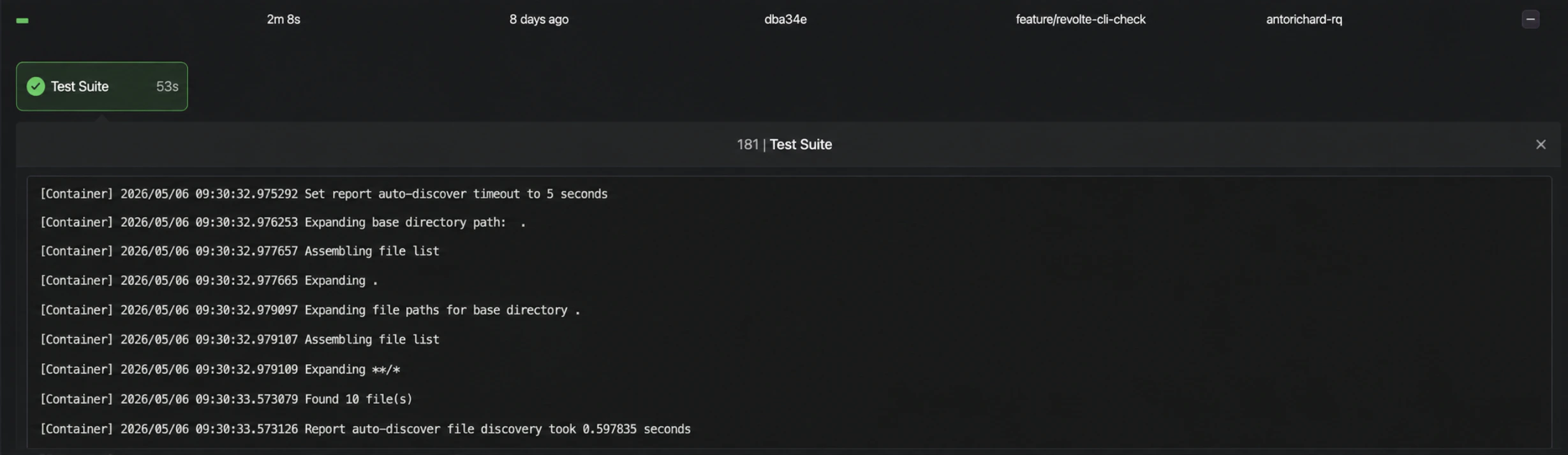
* **Stage Tracking**: View the status of Code Quality, Test Suite, and Build stages.
* **Real-time Logs**: Stream logs directly from the pipeline runner to debug failures instantly.
* **Execution History**: Access previous pipeline runs to compare performance and track changes.
## Manual gates & approvals
For sensitive environments, pipelines can be configured with manual gates through your repository's [YAML Pipeline Config](/yaml/repo-preferences/pipelines/overview).
* **Approval Requests**: When a pipeline reaches a manual gate, designated team members are notified to review and approve the promotion.
* **Audit Logs**: Every approval or rejection is logged with the user's details and timestamps for compliance.
* **Environment Promotion**: Once approved, the pipeline automatically proceeds with the deployment to the target environment.
## Related
* [Observability](/deployments/observability/index)
* [Rollbacks](/deployments/rollbacks)
* [YAML Pipeline Config](/yaml/repo-preferences/pipelines/overview)